Gummy Playground Playing with Friends
Six-player jelly lobbies — roles, etiquette, and co-op stunt setups that actually work.
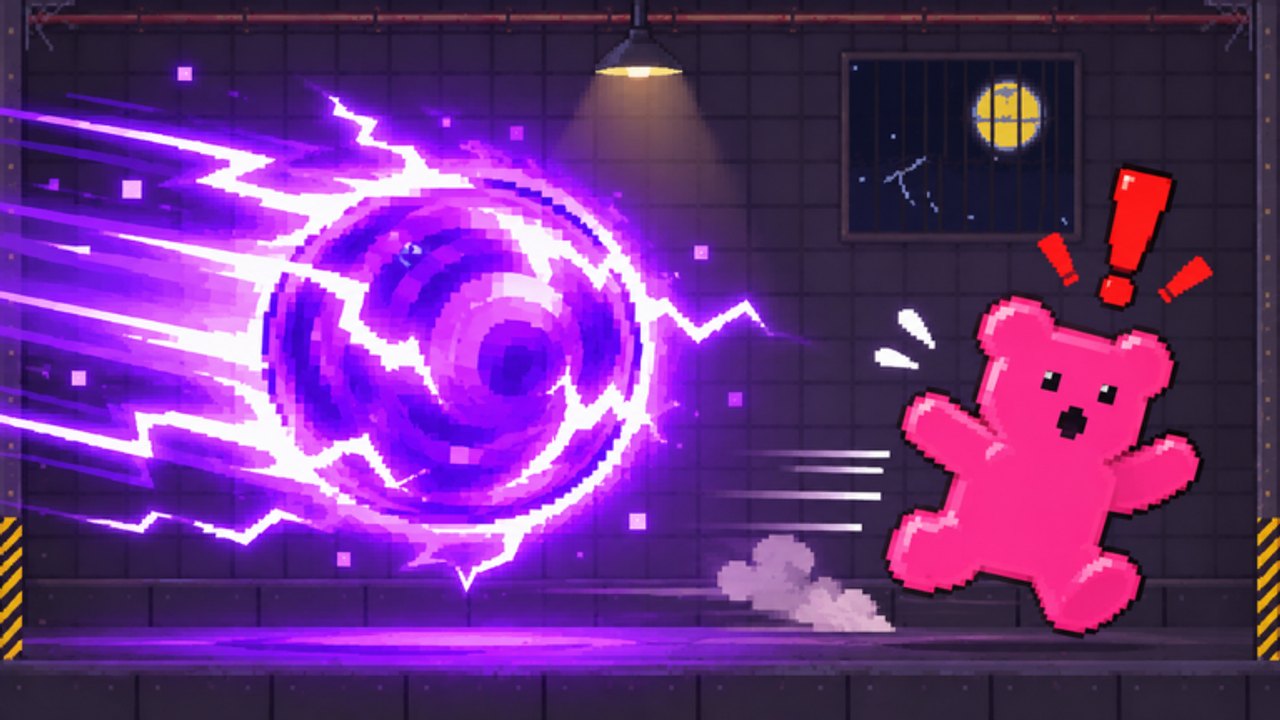
Gummy Playground caps servers at six players, which is perfect for readable soft-body chaos and terrible for silent grief. This players hub covers how to run fun rooms, assign roles for cooperative stunts, and keep friends coming back after the first black-hole incident.
Solo fundamentals still matter — skim Getting Started, controls, and jelly physics before you host. Touch and pad players should also open Mobile and Console.
Why six-player rooms feel different
Larger Roblox sandboxes dilute responsibility. Here, every tsunami has a name attached. That intimacy is the feature:
- Everyone sees your freeze-gate success
- Everyone also sees you delete their ramp
- Session lengths near fourteen minutes encourage quick agreements, not hour-long diplomacy
Use public servers for discovery and private servers for serious book routes.
Lobby agreements (30-second script)
Paste or say something like:
- Chaos level today: chill build / medium fling / full snack vortex
- Build protection: ask before deleting others’ pieces
- Event tools: announce tornados and tsunamis
- Goal: warm-up, stunt practice, or pure chaos
If two people want opposite modes, split into another server. Forcing full chaos on builders creates empty lobbies.
Roles for co-op stunts
Borrow the freeze-gate from Building and Stunts:
| Role | Job | Recommended tools |
|---|---|---|
| Runner | Hits ramps and pads | Movement focus, light blaster |
| Freezer | Locks apex poses | Freeze |
| Launcher | Converts statues into flight | Blaster / sword / anime burst |
| Builder | Maintains course | Wood, metal, rope, trampoline |
| Chaos lead | Calls big area tools | Black hole, tornado, tsunami |
| Spotter | Watches book / quests UI | Any |
Rotate roles every few runs so nobody is stuck deleting pads forever.
Hosting checklist
- Favorite + like the experience so the group keeps growing (links).
- Claim daily rewards before guests arrive.
- Pre-build a Five-Piece Loop so newcomers have a safe toy.
- Keep a “mercy trampoline” near the spawn.
- Know how to report injected fling scripts — background in the scripts hub.
Communication tips
- On PC, keep chat visible; soft-body games move too fast for delayed voice alone.
- On console, use party chat when possible and simple emotes for “wait” / “go.” Deeper pad habits live in Mobile and Console.
- On mobile, pre-type short macros (“freeze now”, “wave incoming”) before the stunt, and clear HUD clutter before gifts or codes taps.
Handling grief without nuking the fun
- Warn once in chat.
- Soft-ban by moving the group to a new server.
- Report through Roblox if someone uses obvious exploit auras.
- Do not counter-grief with worse scripts — that escalates bans, not fun.
Quest stacking with friends
Many quests want social actions. Efficient pattern:
- Everyone claims dailies.
- Run three freeze-gate launches (counts for tool + social goals).
- One controlled tsunami for area-tool quests.
- Optional skin flex photos.
- Split loot attention — remind friends to open codes if a new promo dropped.
Finding people to play with
- Roblox friends list invites into the same experience
- Creator group is that boin? community chats
- Content creators posting public sessions (for example OttomanEmpireTV’s Gummy Playground video linked from Getting Started)
Avoid shady Discord DMs selling “VIP scripts” or account boosts.
Skill gaps in mixed lobbies
When veterans and brand-new players share a room:
- Veterans run one silent demo of the course
- New players get freeze + blaster only (tools guide)
- Area movers stay locked until newcomers clear the course once
This keeps retention high and matches the game’s surging early audience (thousands of concurrent players within days of launch).
Party goals ideas
- Fill three book entries together
- Build a themed lane (candy colors, obstacle comedy, precision landing)
- Time trial: six successful trampoline loops without tools
- Screenshot contest: best mid-freeze pose
After the session
- Trade notes on which tools felt strong — feed your own tier list opinions
- Check updates if something felt newly broken
- Schedule the next short session; jelly games thrive on frequent, light hangs
Physics-friendly party tips
Soft bodies amplify pile-ups — the jelly physics guide explains why stretch windows need a beat before freeze. If three gummies overlap inside a black hole, cameras and collision both suffer — especially on mobile. Stagger big tools by a second or two, and keep one mercy trampoline outside the blast radius so someone can reset the run without deleting the course.
When teaching newcomers, mute your flashiest anime finishers for the first two loops. Let them feel freeze timing on a calm pad, then escalate. That patience keeps six-player rooms full instead of empty after the first tsunami.
Play the players, not only the physics. Six seats are enough for a memorable night when everyone agrees what kind of snack they want to be.
Frequently Asked Questions
Quick answers for jelly physics, codes, and tools.
How many players can join a Gummy Playground server?
Up to six. That small cap makes private servers ideal for practice and public rooms lively but personal.
How do we stop people deleting builds?
Set a lobby rule up front, warn once, then move your group to a new or private server if it continues.
What is a good co-op beginner stunt?
The freeze-gate: runner hits a trampoline, freezer locks the apex, launcher blasts the statue onto a landing ramp.
Where can I find teammates?
Invite Roblox friends, check the creator group community, or join public sessions while clearly stating your chaos level in chat.
Should we use private servers for practice?
Yes for book routes and build labs. Use public rooms when you want discovery, screenshots, or spontaneous chaos.