Gummy Playground Codes
Redeem promos for spins, skins, and boosts — then claim daily gifts every session.
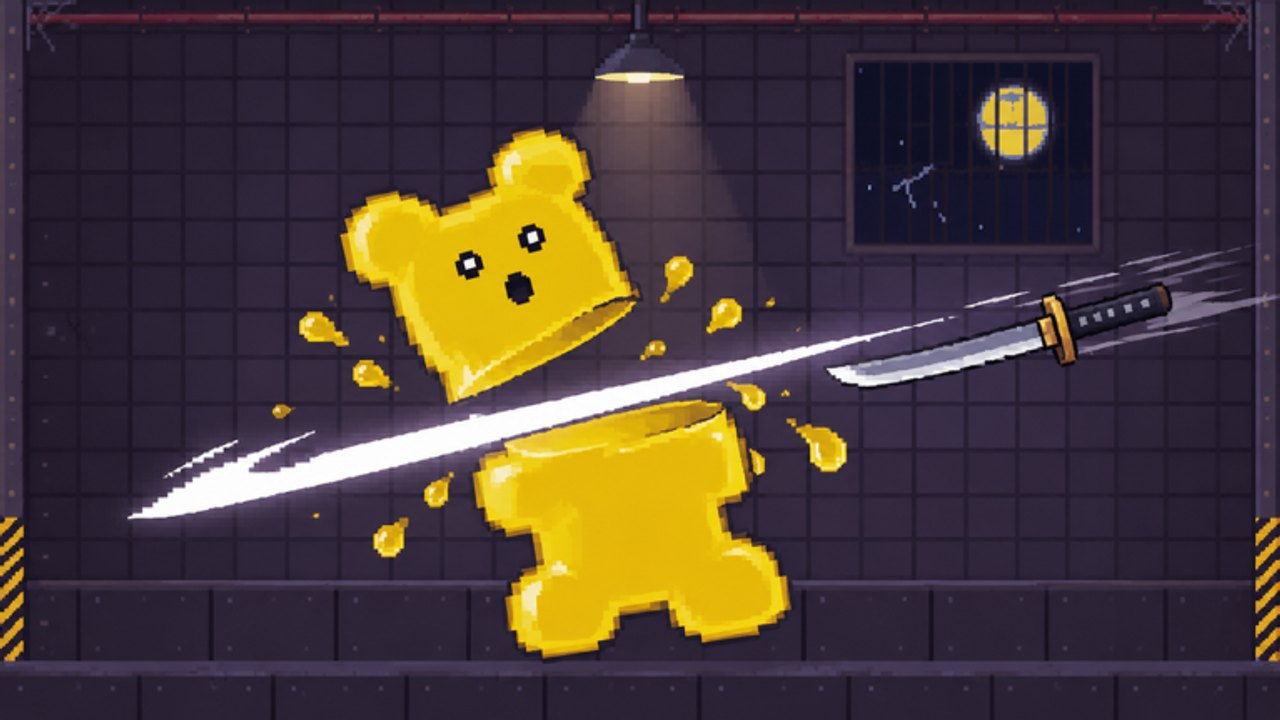
Gummy Playground on Roblox is a soft jelly physics sandbox from the group is that boin?. Players join for wobbly gummies, 200+ tools, builds, and chaotic six-player rooms. Promo codes are the fastest free boost when developers drop them after visit milestones, likes goals, or update launches. This hub tracks how codes work here, what to redeem them for, and which free rewards you can still claim when the public list is empty.
Active codes (late November 2026)
Last checked: late November 2026, during the Roblox [UPDATE] visibility wave (around 28 November 2026). We re-read the official experience description, creator group shout, and common tracker mirrors. Result: no verified public promo codes are active for Gummy Playground.
That empty list is still normal this early. The experience launched on 16 November 2026 (Universe 10777141507, Place 87726203106442). Surges in visits (~481K), peak concurrency (~5,173), favourites (~20.1K), and like ratio (~86%) often come before the first public code string — not after. We will not invent placeholder codes to look complete. A blank table beats a fake redeem that wastes your session.
| Status | Notes |
|---|---|
| Active list | Empty — no confirmed public string |
| Last audit | Late Nov 2026 / [UPDATE] publish wave |
| Where codes appear | Experience description, group shout, update posts |
| Typical rewards | Free spins, skins, tool unlocks, soft currency |
Bookmark this page and re-check after big publishes. When a code appears, we list exact spelling (usually case-sensitive) and the reward text. Never buy “code packs” from random sellers; official codes are free.
How to watch for the first drop
Developers for physics sims usually publish codes in one of three places. Check them in this order after every “Updated” stamp moves:
- Roblox experience description — open Gummy Playground, expand About, and scan for ALL-CAPS or CamelCase strings near “code,” “redeem,” or milestone thanks.
- Creator group shout — join is that boin? and read the shout / wall. Shouts often land minutes after a publish while social reposts lag.
- In-game announcement / gifts UI — some sandboxes toast a code after you claim daily gifts; open the rewards panel once per fresh server.
Ignore TikTok slideshows and Discord DMs that paste “WORKING 2026” lists without a matching description line. Cross-check every character against the official description or this hub before you burn attempts.
How to redeem codes in Gummy Playground
- Join the official experience and wait until the jelly playground HUD finishes loading.
- Open the shop / rewards panel (Codes, Gifts, or a ticket icon on the HUD edge).
- Paste the code exactly — watch capitals, zeros vs the letter O, and trailing exclamation marks.
- Confirm redeem, then check inventory for skins, spins, or tools.
If the box says invalid: strip spaces, confirm you have not already claimed it on that account, and make sure you are in Gummy Playground rather than a lookalike jelly or ragdoll title.
Mobile and console redeem tips
- On phones, claim gifts and open the codes box before you clutter the room with builds — soft-body props can hide HUD icons. Platform habits are covered in Mobile and Console.
- Paste from a notes app when possible; long codes are easy to mistype on tiny keyboards.
- On console, use a linked keyboard or Roblox desktop to copy longer strings, then finish the session on pad.
Free rewards without codes
Even with an empty codes list, the experience promises daily gifts, free spins, quests, and skins. Treat these as everyday free progression:
- Daily gifts — log in once per day and claim before you start building.
- Free spins — spend on skin or power crates when offered; do not hoard past a wipe if developers announce a reset.
- Quests — short objectives (try tools, land stunts, play with friends) stack with future codes.
- Book completion — discovery itself is a progression track.
Pair daily claims with Getting Started so you do not miss the gift button. Spend order and crate advice live in Daily Rewards and Skins.
Where new codes usually drop
Expect a first public string when:
- The experience hits a visit, like, or favourite milestone (the late-Nov [UPDATE] surge is exactly the kind of window creators celebrate)
- A major tools or physics update ships
- A seasonal event starts
- The group shout asks players to like and favorite
After you redeem, spend rewards intentionally with the tools tier list instead of dumping every spin into duplicates you will never equip.
Codes safety checklist
- Codes never ask for your Roblox password or an
.exedownload. - Real codes redeem inside the game UI, not on third-party “generator” sites.
- Survey walls that promise a “secret code” are ad traps — leave.
- Scripts that claim to “auto-redeem every code” can violate Roblox rules; prefer manual redeem and read the scripts hub safety notes.
- Discord DMs selling “private working codes” for Robux are scam patterns, not developer channels.
Expired and lookalike codes
When the first wave arrives, typos flood social media within hours. Compare every character against this hub or the official description. Old screenshots keep circulating after expiry; if redeem fails after three careful tries, assume it is dead and return to dailies.
What to do while waiting for the first code drop
- Favorite the experience and join the creator group so shouts appear in your feed.
- Finish the first-hour path in Getting Started.
- Learn controls and jelly physics so redeeming and stunting feel the same on every device.
- Rank early tools with the tier list and practice building stunts.
- Re-check updates after each publish for code lines buried in patch chatter.
When the first confirmed code lands, this hub will list it at the top with reward text and an expiry note. Until then, daily gifts and free spins are your reliable free path — and they stack with every future promo.
For multiplayer gift runs with friends (up to six players per room), see the players hub. Official links live on the links page.
Frequently Asked Questions
Quick answers for jelly physics, codes, and tools.
Are there any working Gummy Playground codes right now?
No public codes are confirmed active as of our late November 2026 check during the [UPDATE] wave. Claim daily gifts and free spins while you wait, and watch the experience description plus group shout.
Where do I redeem a Gummy Playground code?
Join the Roblox experience, open the shop or rewards panel, find the Codes box, paste the code exactly, and confirm. Codes only work inside this game.
Where should I look when a new code drops?
First the Roblox experience description, then the is that boin? group shout, then the in-game gifts or announcement UI. Cross-check before trusting random social lists.
Do codes give free Robux?
No. In-game codes grant spins, skins, tools, or other Gummy Playground rewards. They never grant Robux.
Why did my code say invalid?
It may be expired, mistyped, already claimed on your account, or copied from a fake list. Compare spelling carefully and confirm you are in Gummy Playground.
How often should I re-check this codes list?
After every noticeable update, group shout, or visit milestone — especially after [UPDATE] spikes. Between drops, daily gifts remain the reliable free path.
Can I redeem the same code on multiple accounts?
Usually each Roblox account can claim a code once. Alts may work if the code is still active, but never share passwords across accounts.